
More companies are moving their desktop services and operations online. The Internet allows you to reach a larger audience and automate and take care of your business growth. Supporting the launch of an online store is PrestaShop - a flexible open source modular tool for building online stores that is gaining in popularity!
PShowBlog
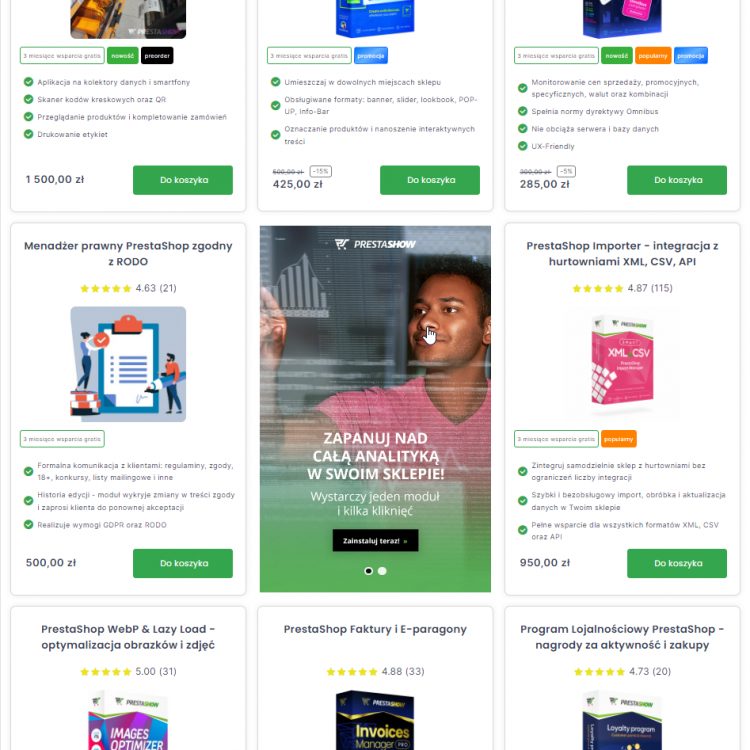
A banner pinned to the top of the page, a slider on the homepage, a graphic in the left column - these are formats familiar to any Internet user. In this post we present how to create a banner yourself, step by step, in PrestaShop 1.6, 1.7 and 8x, which will take the place of one of the products in the product list. Such a banner is not intrusive, eliminates monotony when scrolling through the store and has a sizable click-through conversion.
XML is the most popular and widely used format that contains store and product data.You can import XML into your store and export it from your store. In this post we'll discuss exporting data, because a well exported file will save you a ton of time!
In this post, you will learn how to put up a developer, test or security copy of your online store on PrestaShop 1.6, 1.7 and 8.x on your own in 10 steps. A store copy gives you control over changes before they reach your customers, you can modify it without worrying about the functioning of the production store.