


PrestaShow's PrestaShop Expert. We explain what the PrestaShop Experts program is, what the official badge means, and why it matters when choosing an agency to support, develop and care for your PrestaShop store.
PShowBlog
The PrestaShow 1-Click and Auto-Backup module update system allows you to quickly and conveniently deploy new module versions directly to your store. The user can see available updates, access the history of changes, and the system automatically creates a backup before deployment, which increases security and makes it easier to maintain the store.
PrestaShow Skeleton is a proprietary framework for PrestaShop modules that enhances security, facilitates updates and supports add-on development in future versions of the system. For the user, it means convenient access to updates, clear information about changes and versions, faster technical support and greater module stability. For us, it's a solid base for more efficient development of new features and quick response to the needs of stores.
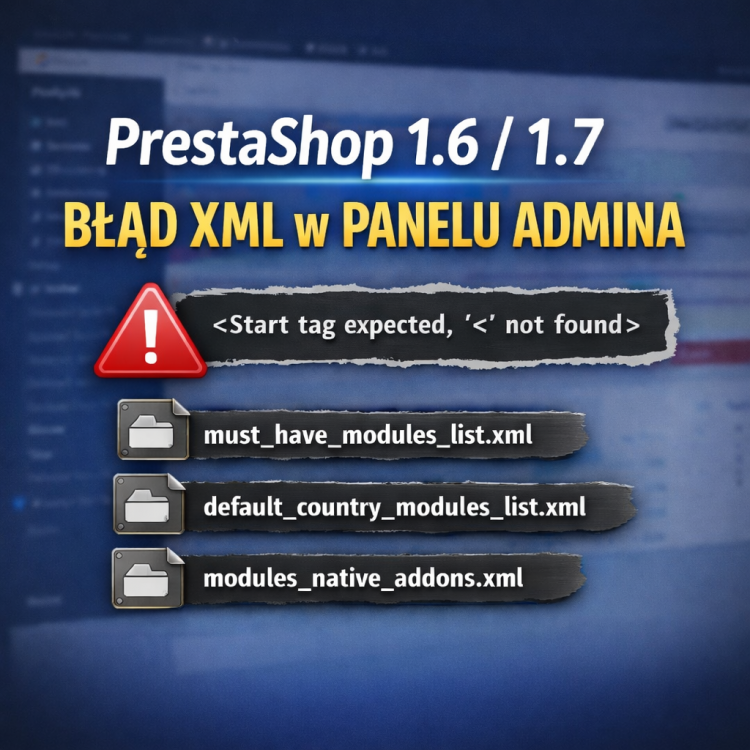
In PrestaShop 1.6 and 1.7 stores, an XML error appears in the admin panel regarding XML files. Messages such as “Start tag expected, '<' not found” are usually related to a communication issue with the PrestaShop Addons API. In this post, we explain the cause of the error, its symptoms, and an effective solution.


