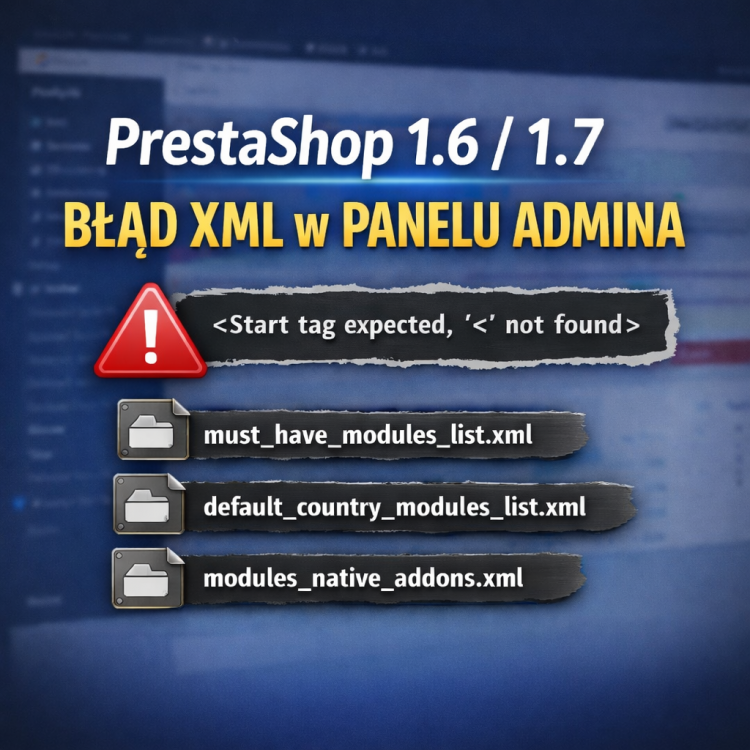



In PrestaShop 1.6 and 1.7 stores, an XML error appears in the admin panel regarding files such as must_have_modules_list.xml, default_country_modules_list.xml, and modules_native_addons.xml. Messages like “Start tag expected, '<' not found” are usually related to a communication issue with the PrestaShop Addons API. Fortunately, the issue usually does not affect the store’s functionality from the customer’s perspective and can be quickly resolved by replacing the corrupted XML files or disabling data re-fetching from the Addons API. In this post, we explain the cause of the error, its symptoms, and an effective solution.
Support
From this article, you will learn what a complete PrestaShop optimization service consists of and how much it costs. Improve your score in Lighthouse, Google Page Speed and GTMetrix tests. Prepare your server for massive traffic and take care of security by updating your store and upgrading your PHP version.
Our proprietary configuration is an optimal, fast and secure solution for VPS, dedicated and Cloud servers at providers such as OVH, Google Cloud, AWS or Digital Ocean. We guarantee a powerful working environment for testing, development, sales and online store management.
PrestaShow developers are long-time, experienced specialists. In our work we use technologies that are proven to work. We undertake the most difficult tasks related to all branches of eCommerce. Our code is clear, secure and lightweight. Ask for a sample or check out our modules.
en
Polski
Deutsch
Española
Français
Italiano