Customer service and order packaging on your phone 📦





Detailed description
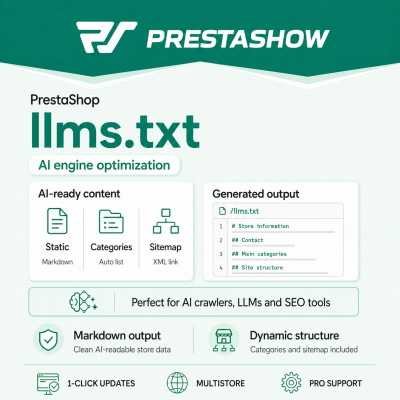
AI models analyze web pages to understand your store's offerings, category structure, sales policies, contact information and key links. The llms.txt module allows you to share this information in a simple, clean and structured Markdown file at: yourjadomena.com/llms.txt
PShow llms.txt - prepare your PrestaShop store for traffic from AI
The module generates a file in accordance with the idea of the llms.txt standard - without HTML code, without a store template and without unnecessary graphic elements. This allows the store to provide language models and AI SEO analysis tools with the most important information in a form that is easy to read and interpret.
Why does a PrestaShop store need llms.txt file?
llms.txt acts as a simplified, descriptive knowledge map of the store. It does not replace the classic SEO, robots.txt or sitemap.xml file, but supplements them with context that is often missing from the sitemap itself.
In the file you can describe, among other things:
- what the store does,
- what products it offers,
- how to contact service,
- what the delivery, returns or complaints policies are,
- which categories are the most important,
- where the site map is located.
It's a practical solution for stores that want to organize information for AI tools, AEO / AI SEO audits and systems that analyze website content.
How does the module work?
The module does not create a physical file on the server. Instead, it intercepts a request to the address:
/llms.txt
and generates the content on the fly, directly from the store configuration and data stored in PrestaShop.
This way you don't have to worry about file permissions, CHMOD, manual updates or different versions of the file for Multistore stores.
Static content + dynamic data
In the module configuration, you get a text field where you can enter the store description yourself in Markdown format.
You can add there, for example:
- a short description of the brand,
- information about the offer,
- contact information,
- delivery rules,
- return policy,
- information for B2B customers,
- links to the most important sub-pages.
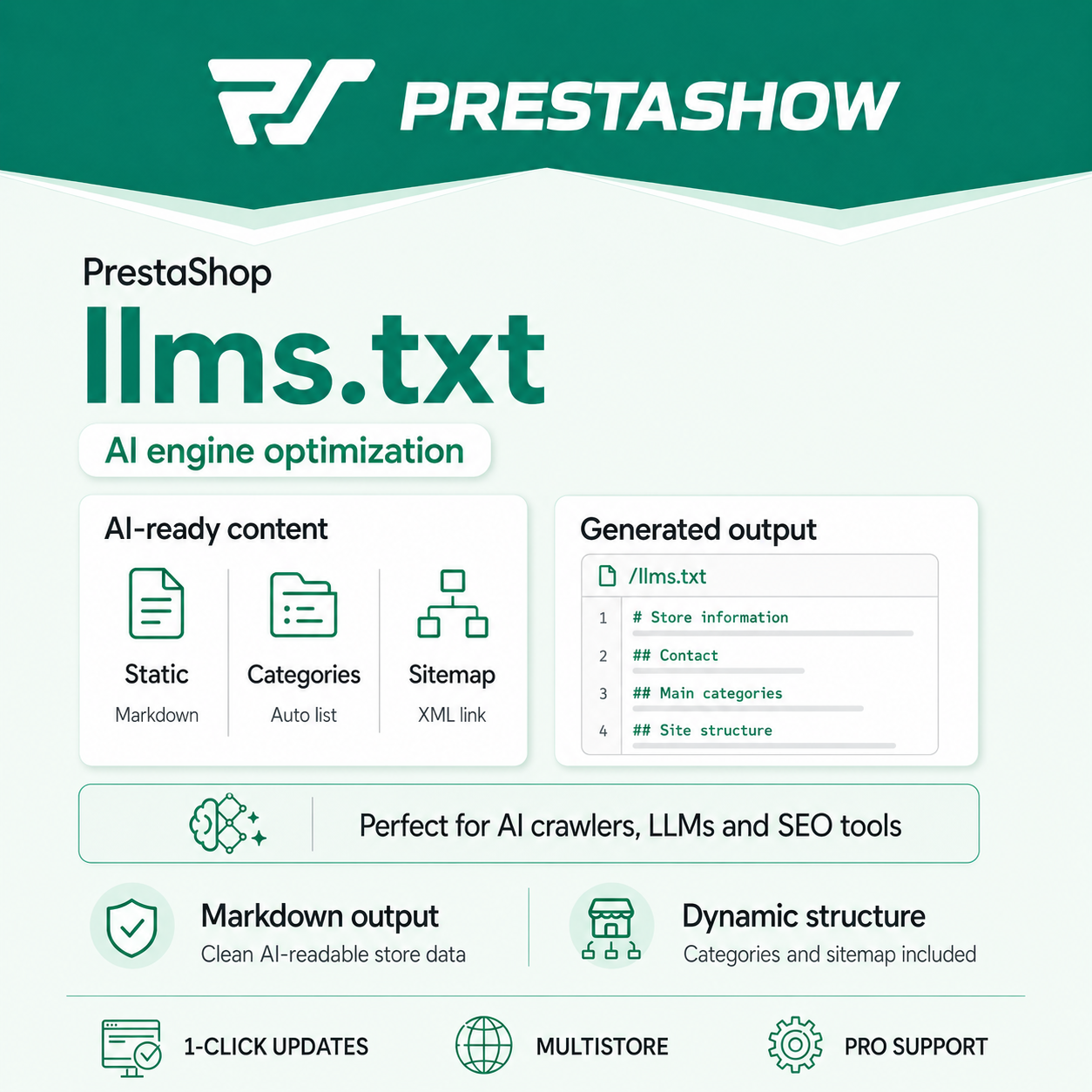
To this content, the module automatically docks the dynamic structure of the store, including the main categories and a link to the sitemap.
Automatic list of categories
PShow llms.txt retrieves the active main categories of the store and adds them to the file in the form of a readable list of Markdown links.
Example:
## Main categories of the store - [Women's Clothing](https://twojadomena.pl/odziez-damska) - [Accessories](https://twojadomena.pl/akcesoria) - [Promotions](https://twojadomena.pl/promocje)
After adding a new active category in PrestaShop, the module can include it in the generated file without manually editing llms.txt.
Link to sitemap.xml
At the end of the file, the module adds a link to the global sitemap:
## Site Structure The full list of URLs can be found in our sitemap: [Site Map](https://twojadomena.pl/sitemap.xml)
Thus, the llms.txt file combines a short description of the store with the classic URL structure.
Multistore support
The module supports PrestaShop multistore mode (an extra paid option). Each multistore store can have its own llms.txt content, own description, own contact information and own category structure.
The module will come in handy if you are running several stores, different language versions, separate domains or separate brands on one PrestaShop Multistore installation.
No physical file on the server
PShow llms.txt generates the response dynamically by the module controller. This means that:
- you don't have to create the file manually,
- you don't need to grant write permissions to the root directory,
- you don't risk conflicts between stores in Multistore,
- content can be updated from the admin panel,
- active categories can be added automatically.
Clean Markdown for AI
The generated file is returned as a clean Markdown text with correct UTF-8 encoding. It does not contain header, footer, menu, front office modules or theme elements.
As a result, AI models and site analysis tools receive simple, structured content instead of HTML code.
Who is this module for?
The module will work well for stores that:
- want to prepare for the development of AI-based search and recommendations,
- are conducting SEO, AEO or content marketing activities,
- want to organize store information for external tools,
- sell in multiple languages or on multiple domains,
- are using Multistore,
- want to meet the requirements of SEO audits that check the presence of
llms.txtfile.
Key features
- Generation of a file at
/llms.txt. - No physical file on the server.
- Content returned as
text/markdown; charset=utf-8. - Editing of the main content from the Back Office.
- Markdown format support.
- Automatic addition of active main categories.
- Automatic addition of
sitemap.xmllink. - Full support for Multistore.
- Separate configuration for each store.
- Correct support for UTF-8 Polish characters.
- Compatibility with PrestaShop 1.6-9.
- Support for a wide range of PHP versions.
Technical requirements
- PrestaShop: 1.6.x - 9.x
- PHP: 5.6 - 8.x
- Physical file on the server: no
- Response format: Markdown
- File address: /llms.txt
Example of the generated file
# Store Name - General Information We are an online store offering products for... ## Contact - Email: [email protected] - Phone: 123 456 789 ## Main categories of the store - [Category 1](https://domena.pl/kategoria1) - [Category 2](https://domena.pl/kategoria2) - [Category 3](https://domena.pl/kategoria3) ## Site Structure For a complete list of URLs, please refer to our site map: [Site Map](https://domena.pl/sitemap.xml)
PShow llms.txt - a simple step towards AI SEO
Add llms.txt file to your PrestaShop store and show AI tools what your store does, what categories are most important and where the full site structure is.
No manual file creation. No template changes. No problems with Multistore.
Changelog (0)
Technical requirements
Technical Requirements
- PHP 7.1 - 8.x
- Server extension ionCube Loader
- PrestaShop Importer only: PHP libxml version > 2.9.3
- PrestaShop Facebook Integrator only: PHP 7.2 or higher
- PrestaShop VAT Validator only: PHP SOAP
Support & Updates
Support = Updates + HelpDesk
You get 90 days (3 months) access to the complete PrestaShow support package.
Module updates
Modules will inform you about available updates. Read the changelog and perform a 1-click module update directly from your store.
HelpDesk panel
This is the panel where we will provide you with help. On HelpDesk you can report problems, order free module installation and updates, and order modifications and custom programming work.
Extend support
After support expires, you can use the module without any restrictions. You can extend your support access at any time you need it.
Knowledge Base & FAQ
Free forever
The knowledge base is available to everyone. You will find module documentation as well as instructions, videos and answers to frequently asked questions.
License
Lifetime license for the module
- You can use the module without limitation in 1 store = 1 domain.
- You can use an additional domain, e.g. for developer copy.
- For a small fee you can change the domain for the module yourself.
Additional domains for Multistore
- All our modules support PrestaShop Multistore.
- Supporting unlimited domains for PrestaShop Multistore requires purchasing multistore support for the module.
Modifying the code
- The module code related to the integration with the store and the design (.tpl, .css, .js) has open source code and you can modify it freely.
- The module's source code (.php) is encrypted with ionCube, and modifying it will void the warranty.
No entries yet.
No customer reviews for the moment.