Customer service and order packaging on your phone 📦





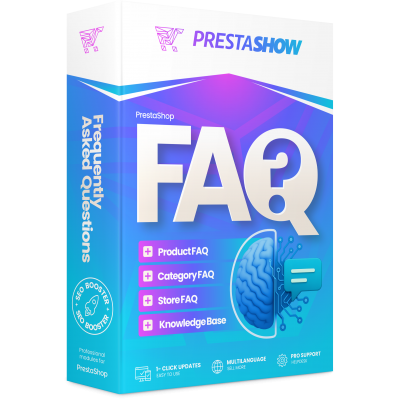
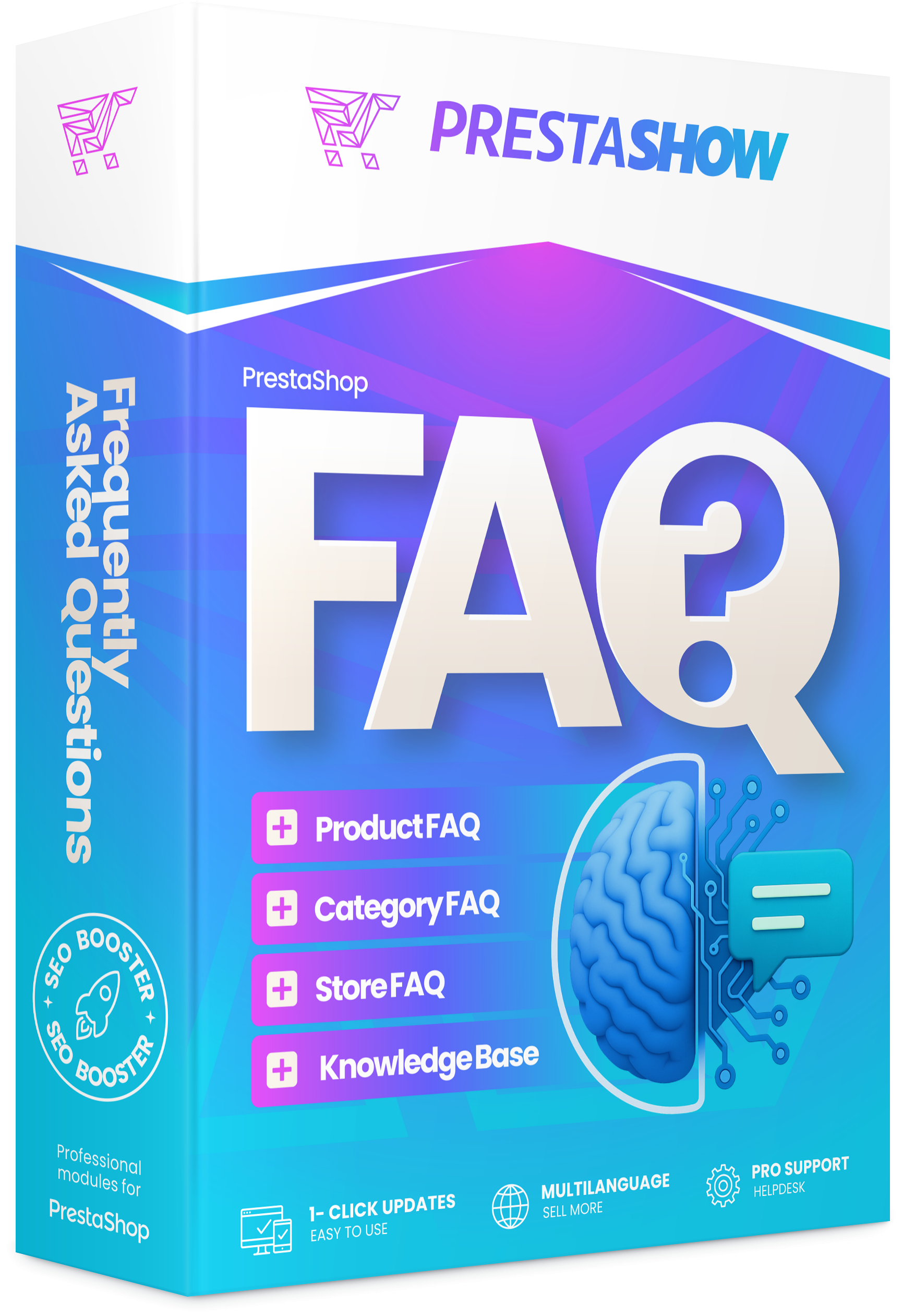
- FAQ module for products, categories and the entire store
- How to implement FAQ in PrestaShop store step by step
- FAQ in PrestaShop supports SEO, UX and customer service.
- FAQ as a knowledge base for search engines and AI tools
- FAQs reduce customer questions and increase in-store conversions
- FAQ cooperation with other PrestaShop modules
Detailed description
FAQ - what is it?
FAQ (Frequently Asked Questions) is a section of frequently asked questions for products, categories and the entire store. It facilitates building a knowledge base, organizes answers to customer questions, supports SEO and improves the quality of content used by search engines, AI chatbots and semantic search engines.
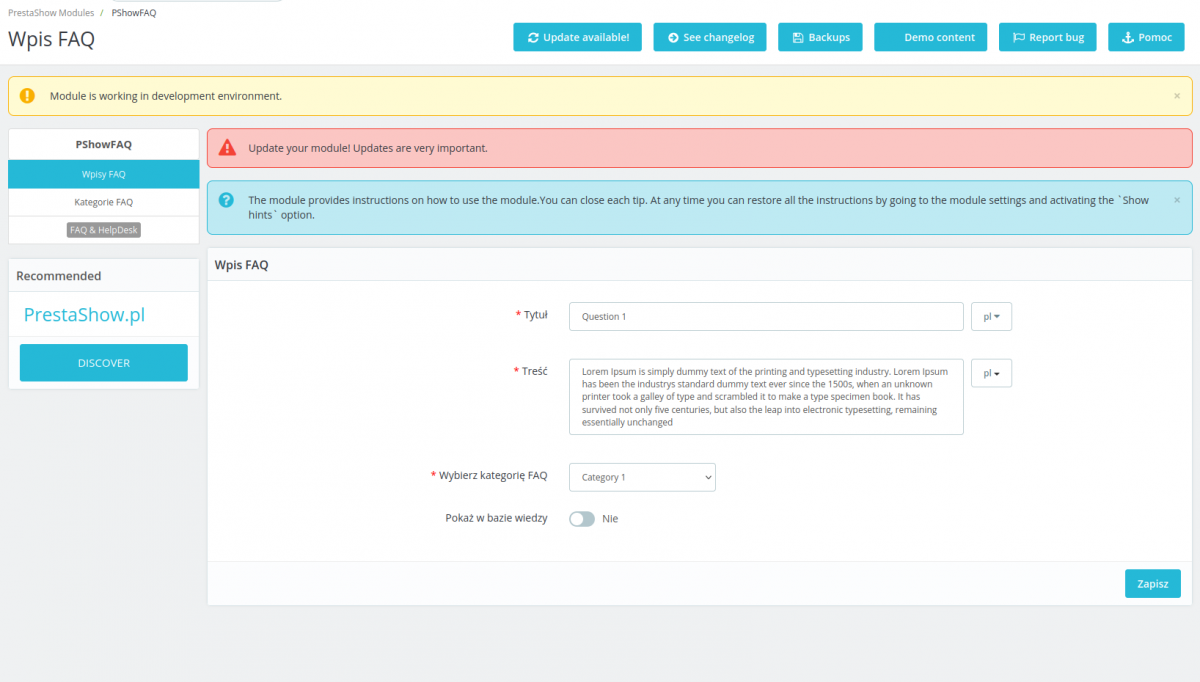
FAQ - add questions and answers
Ask a question and provide an answer, then associate the FAQ entry, for example, with products by manufacturer, category or assign FAQ to a specific product.
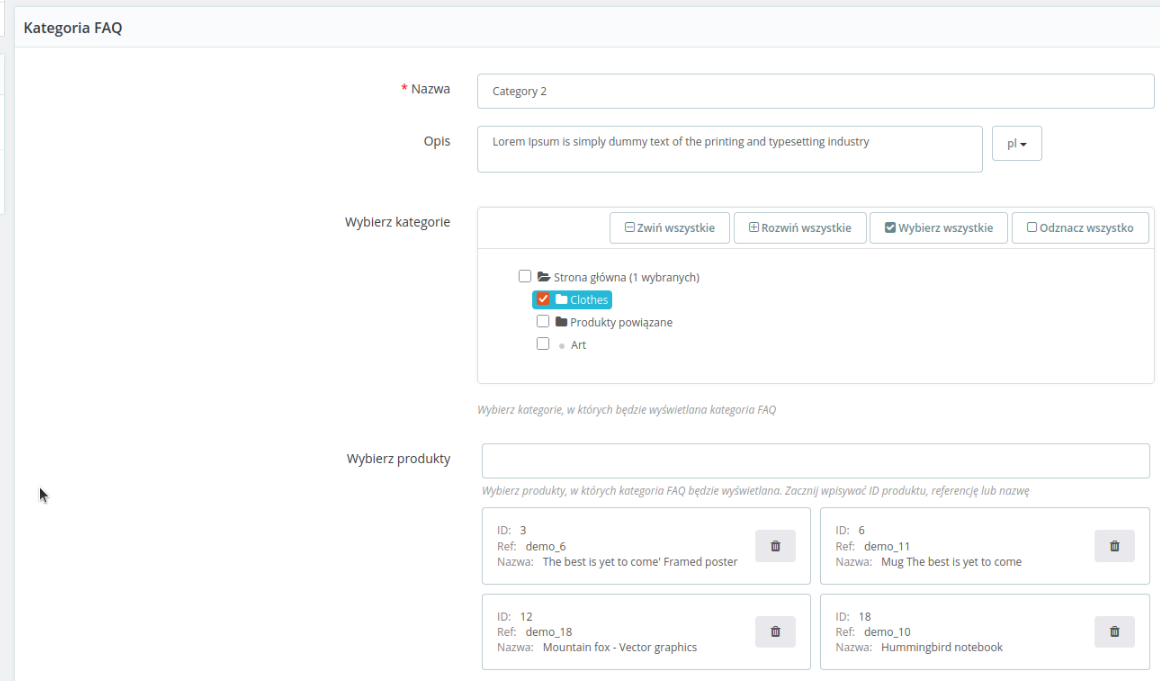
FAQ categories
Use categories to organize multiple FAQ entries and make it easier to display similar entries in different areas of your store.
Knowledge Base with friendly URL
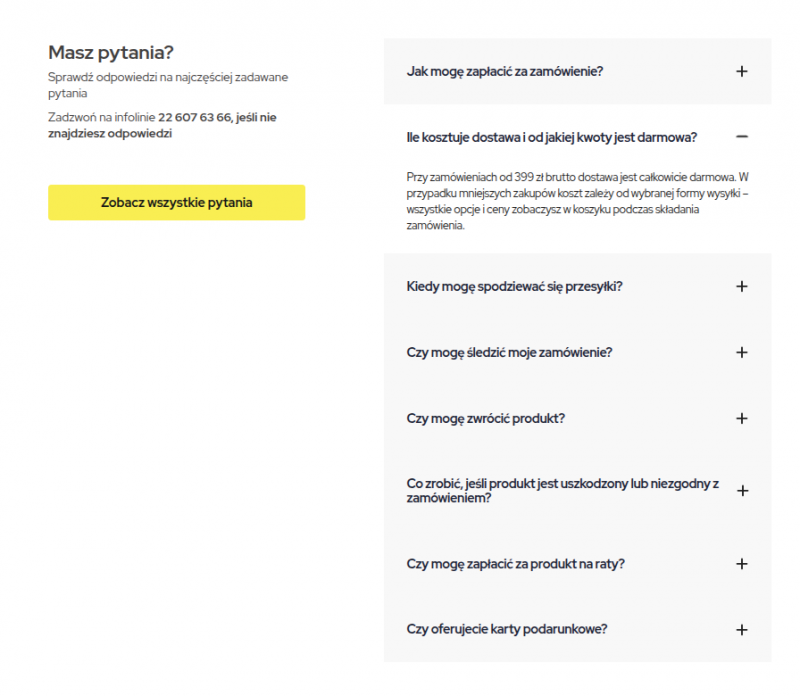
Knowledge Base is a sub-page with a friendly URL, where you will find categories and FAQ entries that you have marked to "Show in Knowledge Base".
1
Create categories
FAQ
Group questions and answers into groups of entries
2
Create
FAQentries
By yourself or with the help of artificial intelligence
3
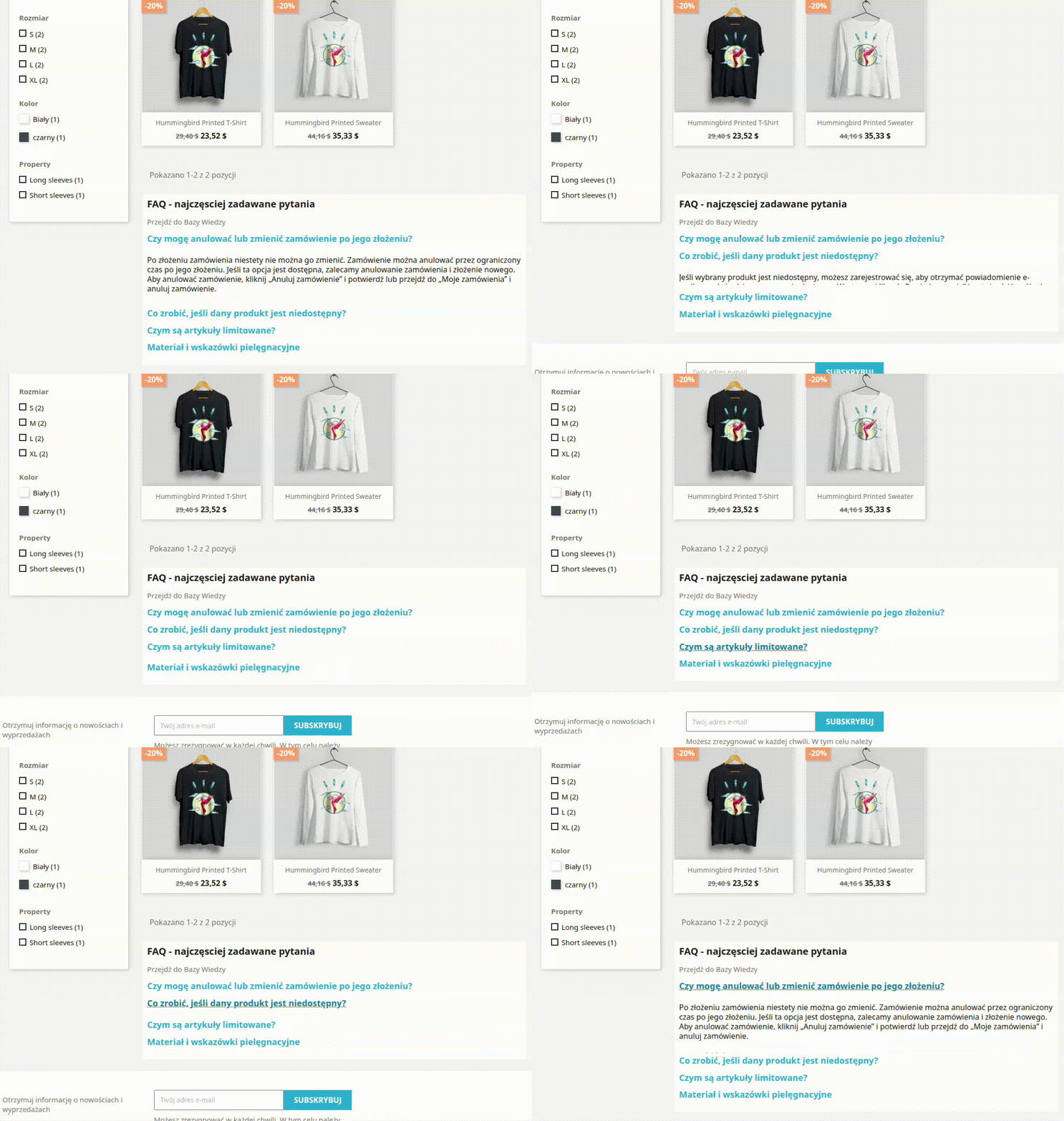
Display
in the store
On any pages of the store
FAQ in PrestaShop
supports SEO, UX and customer service.
A well-designed FAQ section helps answer real user questions even before purchase. It reduces the number of repetitive messages to support, shortens the path to a purchase decision, and expands the content of the site to include long-tail phrases that often appear in search engines and in questions asked to AI.
FAQ as a knowledge base
for search engines and AI tools
Structured questions and answers help systems to better understand the store's offerings, terms and conditions of purchase, product features and order fulfillment process. This is especially important in the era of semantic search, chatbots and AI assistants, which benefit from clear, specific and well-described content.
Google emphasizes that structured data helps it understand site content, although the rich result FAQ itself is not regularly displayed for most commercial sites today.
Where can you display FAQs in PrestaShop?
- FAQ on the product page
- FAQ on a category page
- FAQ on a separate knowledge / help page
- FAQ associated with a manufacturer or product group
- In any places using {Smart-Tag} hooks.
Why does in-store FAQ improve SEO and conversion?
- FAQ responds to customers' information intentions
- More valuable content on product cards and category pages
- Better data for chatbots, semantic search and AI
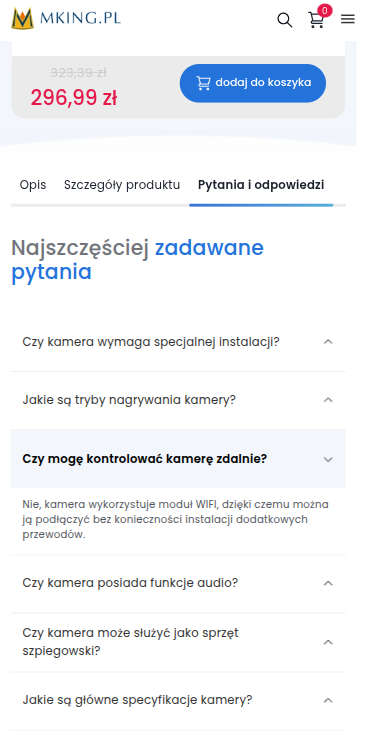
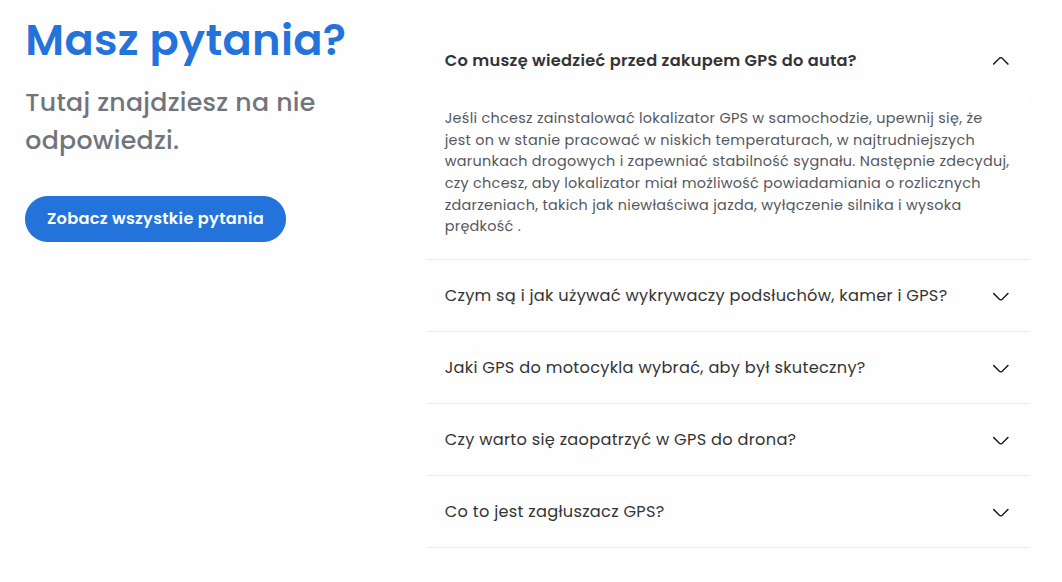
Appearance, integrations and expandability
- Matching to the store template
- Edit tpl and css files
- Cooperation with other PrestaShow modules
Generate FAQ 1-click with AI
PrestaShop FAQ module works with AI Generator to help you prepare questions and answers based on your store's offerings faster. It's a convenient solution when you want to efficiently expand the FAQ section, save your team's time and supplement your store with valuable content to support SEO.
1-click FAQ translation
PrestaShop FAQ module also works with Translator, which makes it easy to translate FAQ posts and maintain consistent communication across multiple language versions of the store. This is especially useful for international sales, where it's important to quickly prepare content for different markets and make information more accessible to customers.
Changelog ()
Charging...
Komentarze ()
The reviews posted on our store are not sponsored in any way. We also verify that they were added by customers who have purchased from us or guests. If you want to learn more about this topic please read our Regulations.
AB, FAQ współpracuje z Translatorem, więc bez problemu przygotujesz wpisy w wielu wersjach językowych. Dodatkowo moduł oznacza pytania i odpowiedzi znacznikami Schema.org dla FAQ.
Czy ten moduł będzie współpracować z Waszym Translatorem i czy faq mają tagi html lub json?
Instalacja i użytkowanie bez problemy, polecam
Technical requirements
Technical Requirements
- PHP 7.1 - 8.x
- Server extension ionCube Loader
- PrestaShop Importer only: PHP libxml version > 2.9.3
- PrestaShop Facebook Integrator only: PHP 7.2 or higher
- PrestaShop VAT Validator only: PHP SOAP
Support & Updates
Support = Updates + HelpDesk
You get 90 days (3 months) access to the complete PrestaShow support package.
Module updates
Modules will inform you about available updates. Read the changelog and perform a 1-click module update directly from your store.
HelpDesk panel
This is the panel where we will provide you with help. On HelpDesk you can report problems, order free module installation and updates, and order modifications and custom programming work.
Extend support
After support expires, you can use the module without any restrictions. You can extend your support access at any time you need it.
Knowledge Base & FAQ
Free forever
The knowledge base is available to everyone. You will find module documentation as well as instructions, videos and answers to frequently asked questions.
License
Lifetime license for the module
- You can use the module without limitation in 1 store = 1 domain.
- You can use an additional domain, e.g. for developer copy.
- For a small fee you can change the domain for the module yourself.
Additional domains for Multistore
- All our modules support PrestaShop Multistore.
- Supporting unlimited domains for PrestaShop Multistore requires purchasing multistore support for the module.
Modifying the code
- The module code related to the integration with the store and the design (.tpl, .css, .js) has open source code and you can modify it freely.
- The module's source code (.php) is encrypted with ionCube, and modifying it will void the warranty.
Demo
Demo - test the module
- This module does not have a demo store
No entries yet.