Information as of October 22, 2026.
On October 21, 2026, patches were released for two critical vulnerabilities in PHP, the technology on which every PrestaShop store runs. The vulnerabilities were named PHP2Shell. Under certain conditions, they allow an attacker to compromise the server without logging into the store.
The good news: patches are already available, including for some older versions of PHP. Below, we explain what this means for your store and what you should check.
In short:
- The vulnerabilities affect PHP, not PrestaShop itself. Having the latest version of the store does not guarantee a secure server.
- The fix is implemented by your shared hosting provider, server administrator, or developer/DevOps specialist.
- Do you have PHP 7.4, 8.0, or 8.1? You don’t need to upgrade right away—check if a backport update is available.
- After updating PHP, make sure the store is actually using the patched version of PHP and test the store.
You’ll find details on this process below.
What is PHP2Shell and why does it affect your store?
PHP2Shell is the collective name for two vulnerabilities in PHP: CVE-2026-109618 and CVE-2026-109619. Under certain conditions, they allow an external attacker to execute their own code on the server with application privileges.
What can an attacker do?
It depends on the server configuration. In the worst-case scenario, they can gain access to:
- the store’s files,
- settings,
- database access credentials.
This does not mean that every store has been or will be attacked. A vulnerable environment still requires an urgent update.
If your store is currently operating normally—that doesn’t mean anything yet
The vulnerability shows no visible symptoms. The store is running, orders are coming in, and there are no errors. The only way to be sure is to check whether the version of PHP used by the store has been patched.
The current version of PrestaShop does not protect against PHP2Shell
You may have the latest version of the store and all modules up to date, yet still be using a version of PHP that is vulnerable to attack.
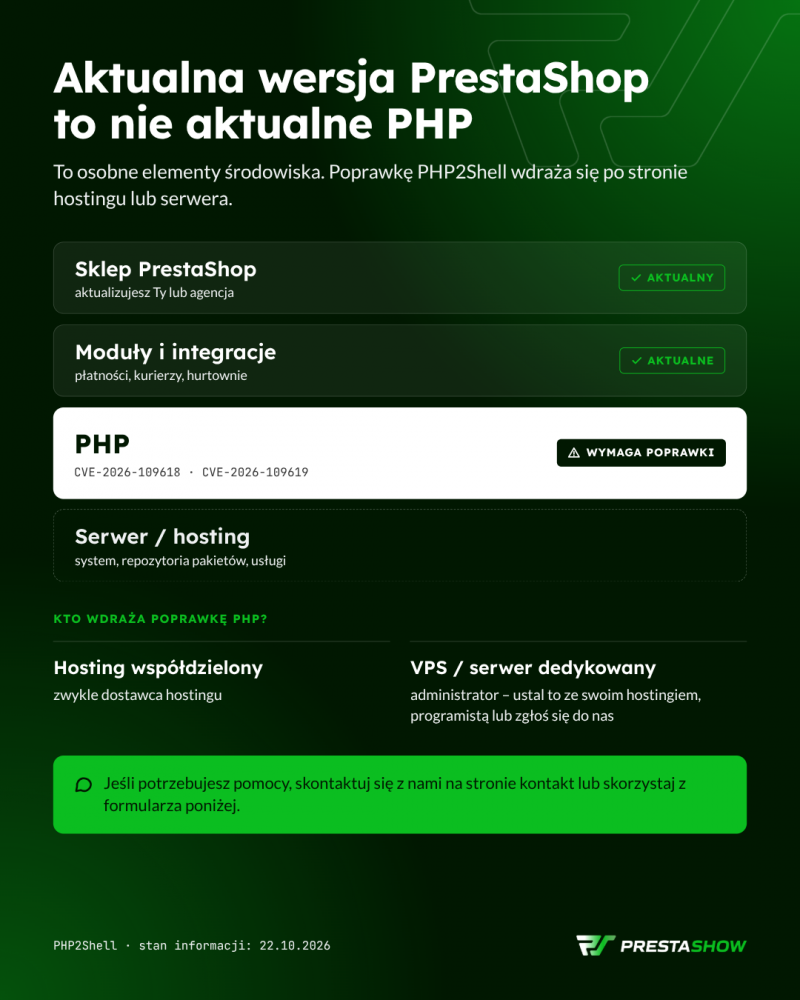
You cannot fix this vulnerability by updating the store. The patch must be applied on the hosting or server side.
Who is responsible for updating PHP?
| Server type | Who typically implements the fix |
|---|---|
| Shared hosting | Hosting provider |
| VPS or dedicated server | Administrator – determine whether this is covered by your purchased administration service |
Tip: Ask specifically about PHP2Shell patches. Being told that “the store is up to date” says nothing about the status of PHP.
Don’t have time? Want to get things done quickly?
Which current PHP versions have the patch?
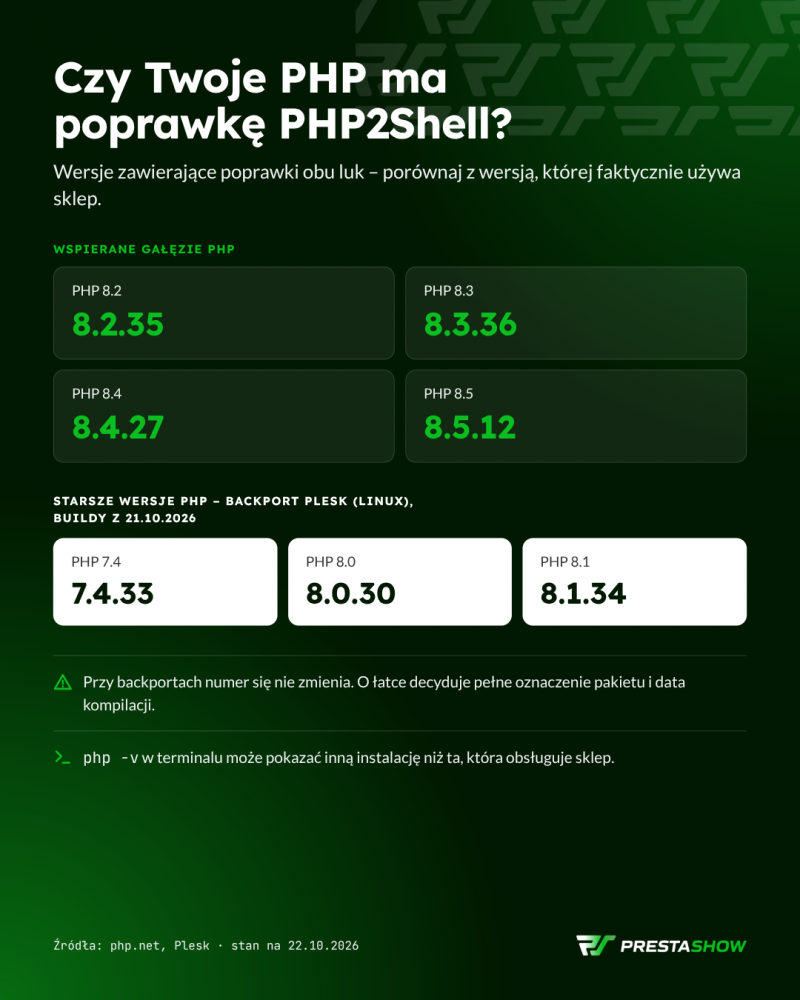
Patches are available for all currently supported PHP branches, and thanks to Plesk, also for older PHP versions.
NOTE! Support is available for PHP versions 8.2–8.5.
PHP 8.2–8.5: patched versions
| PHP Branch | Version with patches |
|---|---|
| 8.2 | 8.2.35 |
| 8.3 | 8.3.36 |
| 8.4 | 8.4.27 |
| 8.5 | 8.5.12 |
Before you decide to upgrade to a newer version of PHP, check which updates are available in your server’s control panel. Ask your provider to confirm that they address both vulnerabilities.
Older versions of PrestaShop and PHP 7.4, 8.0, and 8.1: You don’t have to update your store right away—though it’s worth doing!
An older version of PHP is often the result of limitations in the store, modules, or integrations.
If you stopped updating your store, modules, and server components at some point, you’re likely still using older versions of PHP.
Today, a hasty change to PHP on the server hosting your PrestaShop store could, for example, break the shopping cart, payments, the admin panel, or the entire store.
PHP BACKPORT
For example, Plesk has released patched PHP 7.4, 8.0, and 8.1 packages for Linux. This is known as a “backport,” which involves applying a security patch to an older version.
Note: The version numberitself can be misleading. With backports, the version number does not change. The patched installation may still report, for example, PHP 8.1.34. Whether the patch is in place is determined by the full package name and the compilation date.
Continuing with the example—Plesk confirms the patches in PHP builds 7.4.33, 8.0.30, and 8.1.34 dated October 21, 2026. However, hosting providers and Linux distributions may label packages differently. Always compare the result with the announcement from your server provider or confirm it with your developer or system administrator.
Manual patch for older PHP versions
It is also possible to apply a manual patch to an older version of PHP; however, this requires specialized programming and server administration knowledge.
What to do? A 5-step plan
- Check for available PHP updates in your server control panel or with your hosting provider. Look for clear labels indicating the vulnerability in question
- Ask about PHP2Shell patches and request confirmation that they address both vulnerabilities.
- Do you have an older version of PHP? Before upgrading PHP in your server settings (which can risk the stability of an older store), check if a backport is available for your PHP version.
- Consider testing PHP on the store’s development environment.
- After the update, verify that the store is using the patched PHP —details below.
- Test sales functionality: shopping cart, order, payment, and integrations.
What to check after the update?
1. Is the store actually using the new PHP version?
Multiple versions of PHP can run on a single server. The store’s domain, cron jobs, and hosting control panel may use different versions of PHP.
Therefore, check whether:
- the store’s domain is running on the updated version of PHP,
- the required service restarts have been performed.
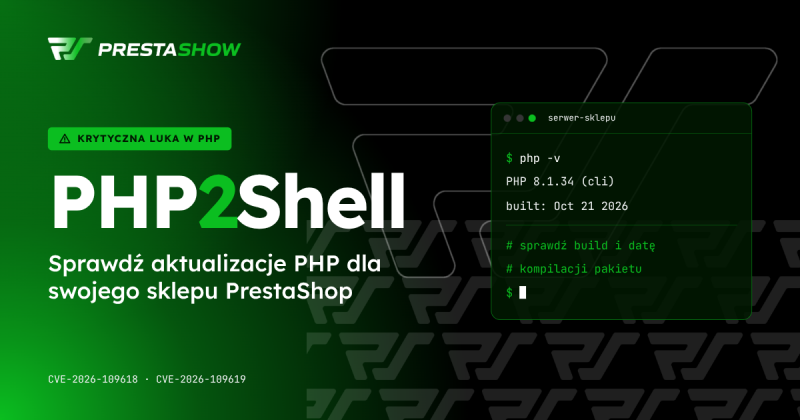
Note: The `php -v `command in the terminal may display information about a different PHP installation than the one powering the website.
2. Does the checkout process in the store work without issues?
After making changes, walk through the customer’s path:
- adding a product to the cart,
- placing a test order,
- initiating payment,
- checking that key integrations (e.g., couriers, ERP, price comparison sites) are working.
Is your server not providing updates?
The absence of new packages doesn’t necessarily mean there are no updates. The cause is often a problem with the repository or the package signing key. In that case, the system uses old lists and doesn’t see new releases. Warnings, signature errors, or unclear messages must be clarified before you consider the server up to date.
If your hosting provider doesn’t offer support in this area, consult a specialist (such as us).
Cloudflare partially resolves the issue
Cloudflare rules will help, but they are no substitute for updates
Cloudflare has released protective rules for PHP2Shell, even on the free plan. This is an additional layer of security. However, it does not replace PHP updates.
Not sure how to check this? We’ll do it for you
Not sure which version of PHP your store is running? Not sure if the patch has already been installed? Have you tried installing the patch yourself or with your team, but the update ends in an error? Take advantage of our PrestaShop administration and technical support services.
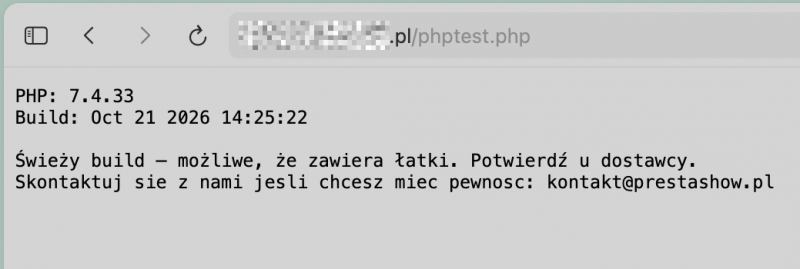
Once you send us a message with your inquiry—via the contact form above — we’ll provide you with a secure PHP script that you can use to check PHP on your server yourself. The script will check your PHP version and provide clear information on whether PHP is secure in your store. If not, we’ll offer to quickly secure PHP in your store—handled by our DevOps team.
As part of the PHP update:
- we’ll check your store’s environment,
- we’ll select the appropriate updates,
- we’ll verify that your store is functioning properly after implementation,
- if there are no patches available for your version, we’ll determine an alternative way to secure it.
Email us with your store’s URL and hosting provider’s name. If you know your PrestaShop and PHP versions, please include them—this will help us determine the scope of work more quickly.